
StreetEasy Universal Partner Experience
The Universal Partner Experience is one tool that all NYC professionals can use to source leads, create listings, and manage advertisements on StreetEasy. It combined features from two different partner tools into a single UI, with features appearing based on user roles and permissions. This tool now allows StreetEasy to deploy improvements to all our partners, instead of forcing us to rebuild improvements in multiple UIs for multiple roles.
My tasks
IA design, feature definition, hi-fi spec and hand off
Other people’s roles
Engineering: Zack Halbrecht, Maria Schettino | Product Management: Emily Dettlo
Results
Enthusiastic adoption from partners
Consistent experience for users
Improved release time from 40 minutes to 5
The beginning
In the summer of 2021 engineering was looking for an opportunity to prove the value of investing in a services based architecture. StreetEasy had invested in creating a new rental manager experience from the ground up earlier that Spring, but our agent experience lagged behind.
I was asked to investigate whether it would make sense to support all the work that our partners had to do within a single UI.
I mapped all the known jobs to be done of different partners to a single, low fidelity UI. It showed how we could, in fact, support all the work these partners needed to do and kicked off a long stretch of engineering work to create the back end architecture that eventually supported UPX.
Consolidating the UI
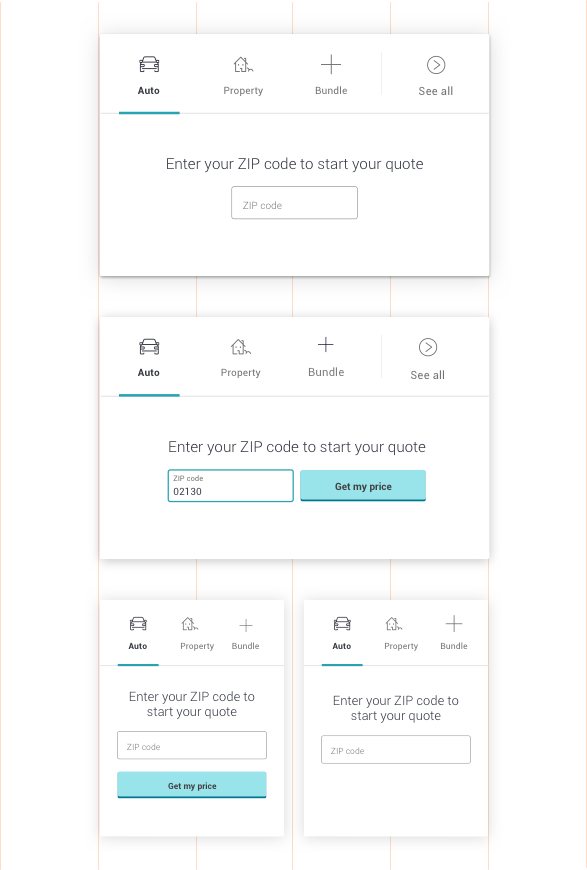
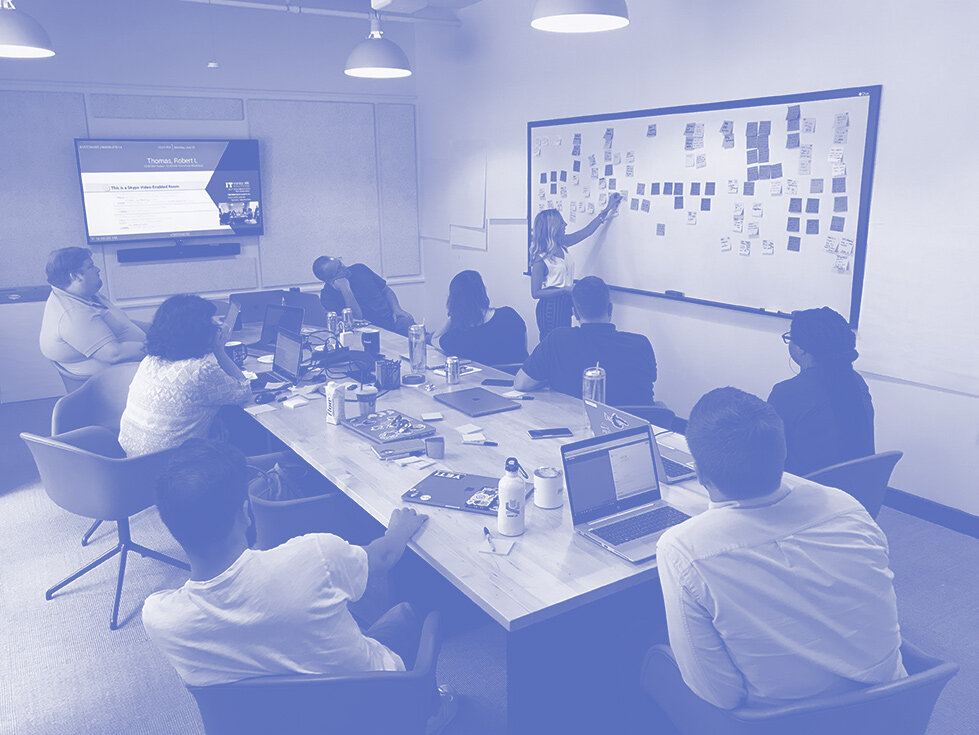
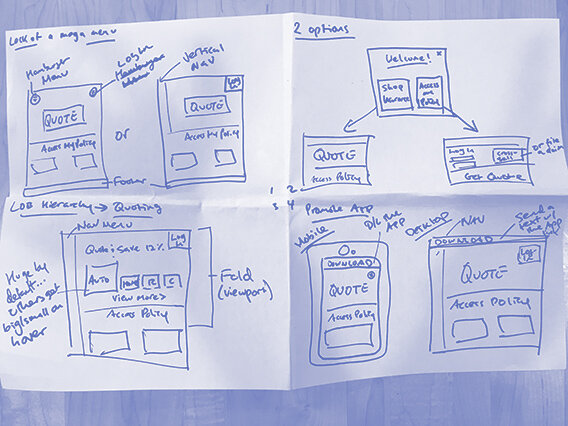
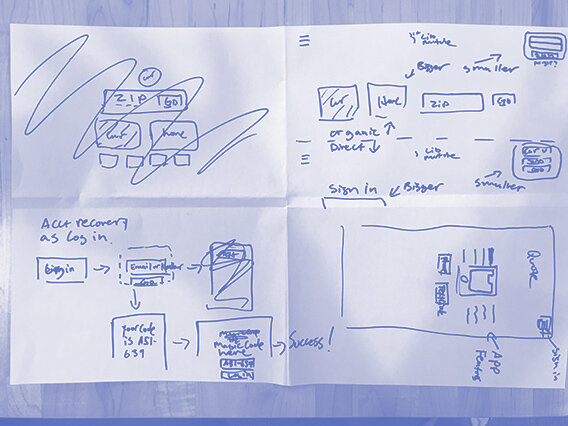
I focused on identifying the strengths of each of the UIs we already had. We determined to optimize for agents, and used this as a way to drive decisions forward. Then we focused on critical flows and broke our work out into focusing on each of those flows.
Testing with agents
Changes touched many flows, so we focused on
Many of the flows that we updated are critical to the success of our business. To ensure that our decisions were sound, and in the best interest of our users, we ran usability tests. The results showed that tasks were as easy to complete in the new UI as they were in the old one. ** look at Ty research
Socializing internally
Because the changes were so broad, there was no way to socialize the entire UI change in an efficient way with all stakeholders. We focused on walking interested parties through targeted changes to get consent or address concerns before moving forward. Showing the two previous experiences, and then how they were combined into the third, new experience, proved to be an effective way to bring stakeholders along in the work.

Final takeaway
TKTKT